01
Upload a Video or Paste a Link
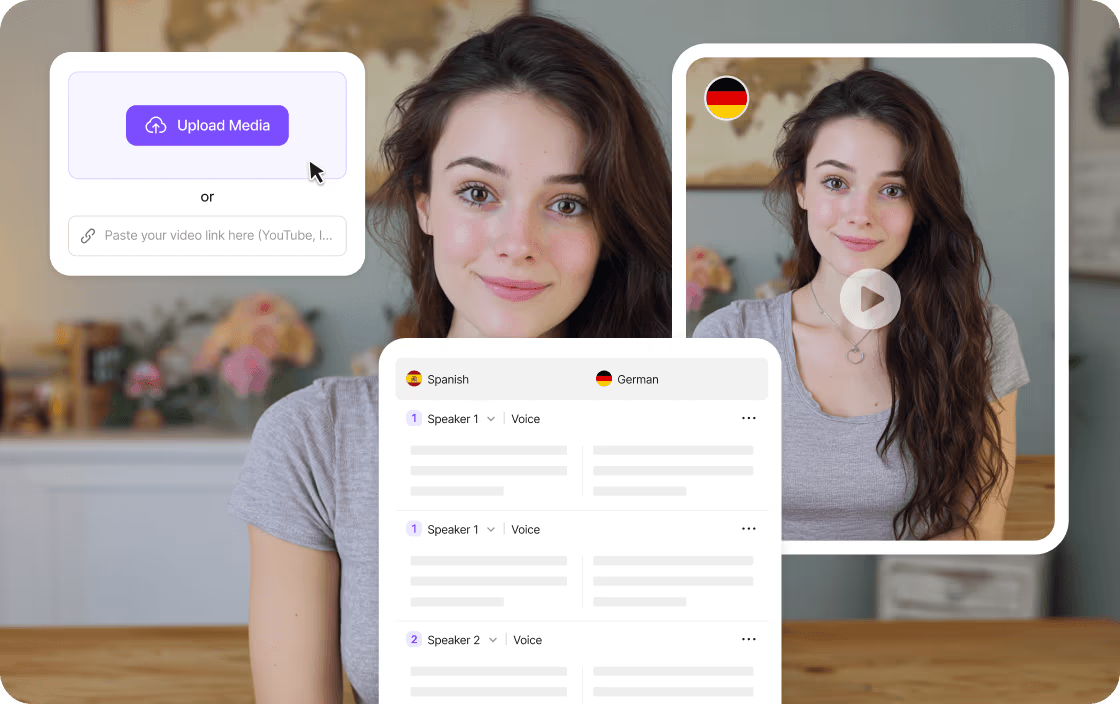
Upload a supported video file, select an existing project from your workspace, or paste a supported public video link.
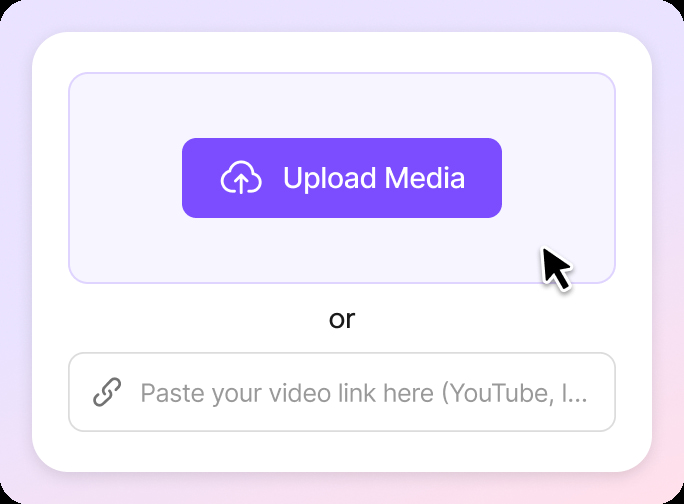
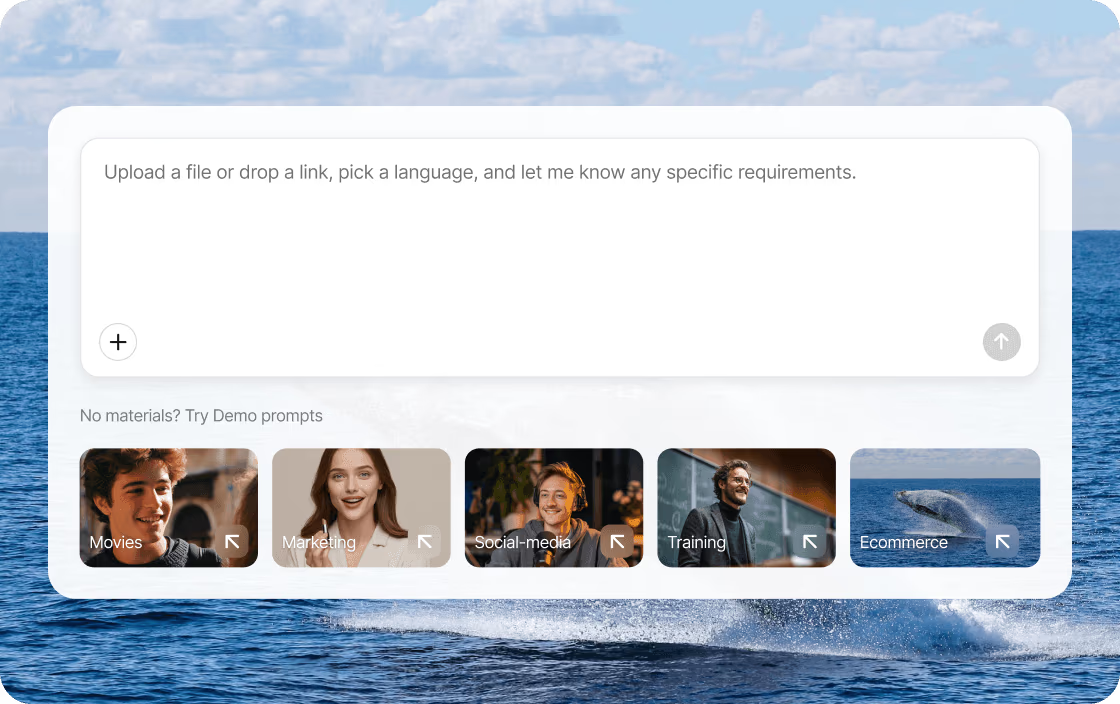
Upload a video or paste a link to translate spoken content into 170+ languages. Export a dubbed video, translated subtitles, or an audio track, and edit the script, speakers, timing, and voice before download.
01
Upload a supported video file, select an existing project from your workspace, or paste a supported public video link.
02
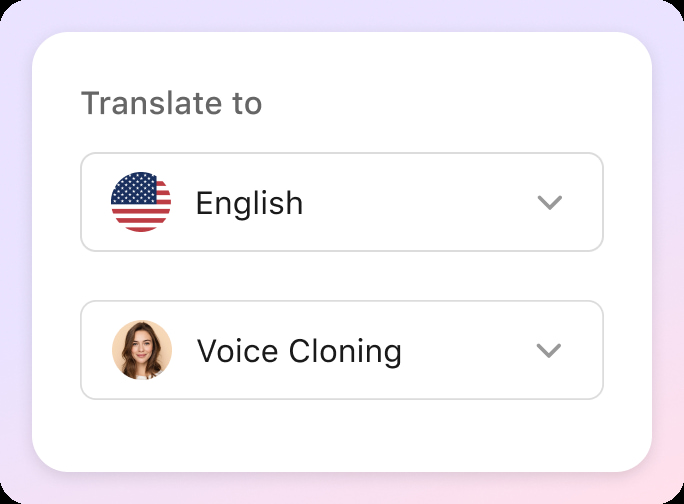
Select your target language and choose a voice style. VMEG supports both voice cloning and an extensive library of system voices. In the advanced options, you can apply a glossary, switch the voice cloning model, or add a Translation Prompt.
03
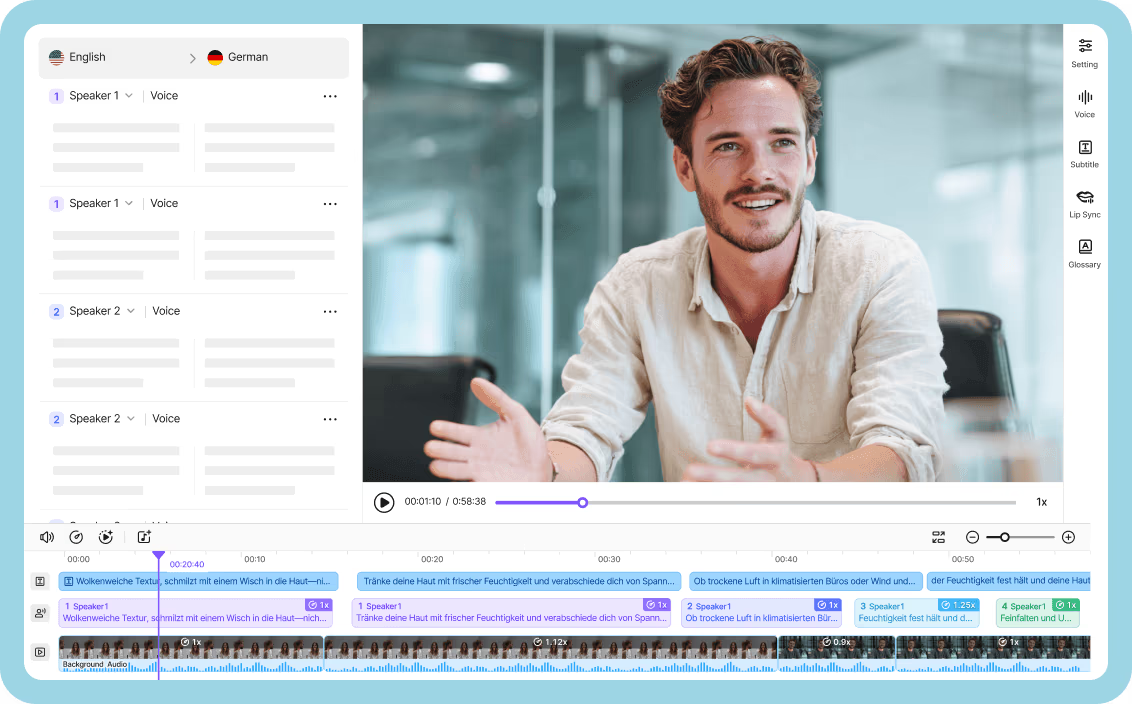
Translation may take a few minutes depending on your video length. Once done, preview the results, edit the text, adjust voice speed, volume, and tone, or switch speakers. You can also add subtitles or apply lip sync, then export and download your video or subtitle file.
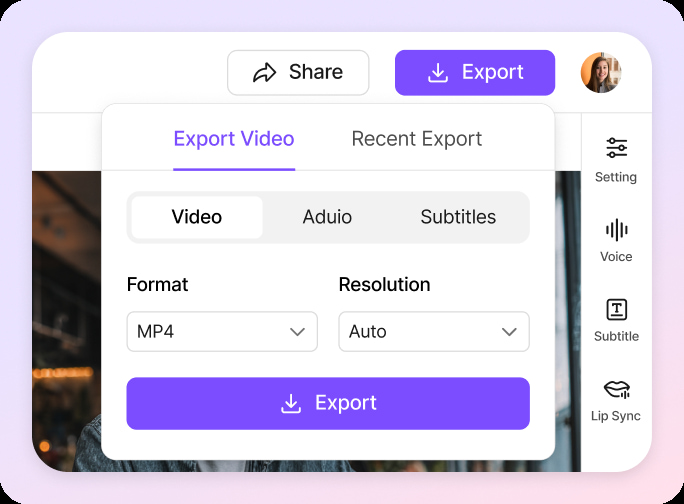
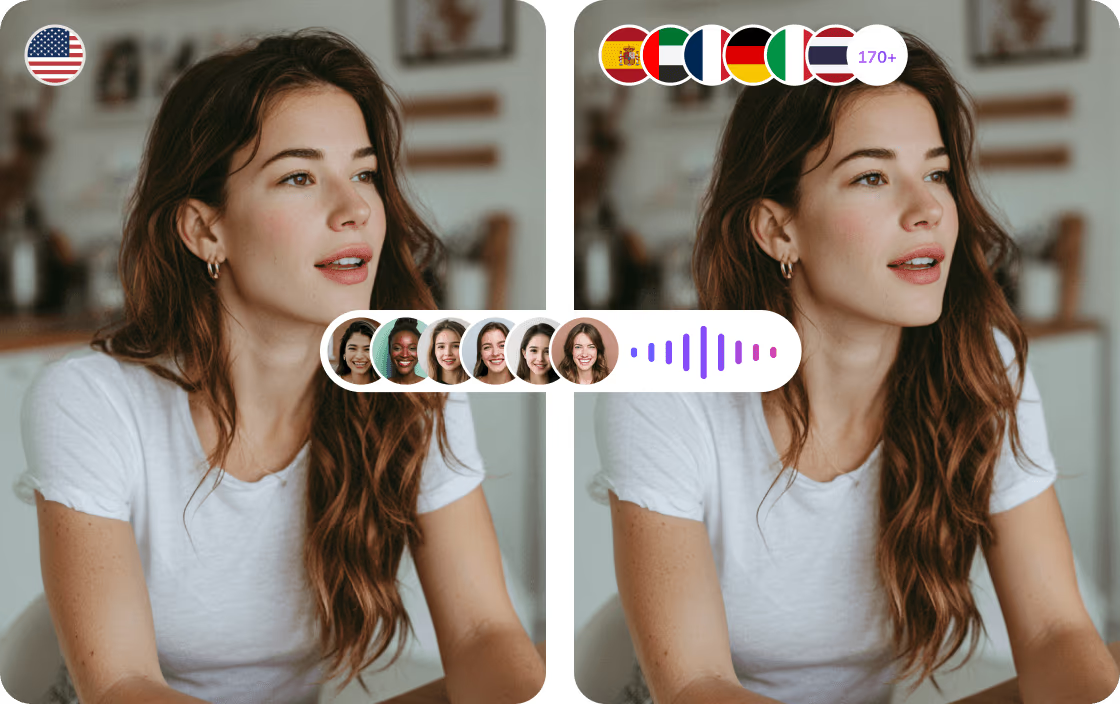
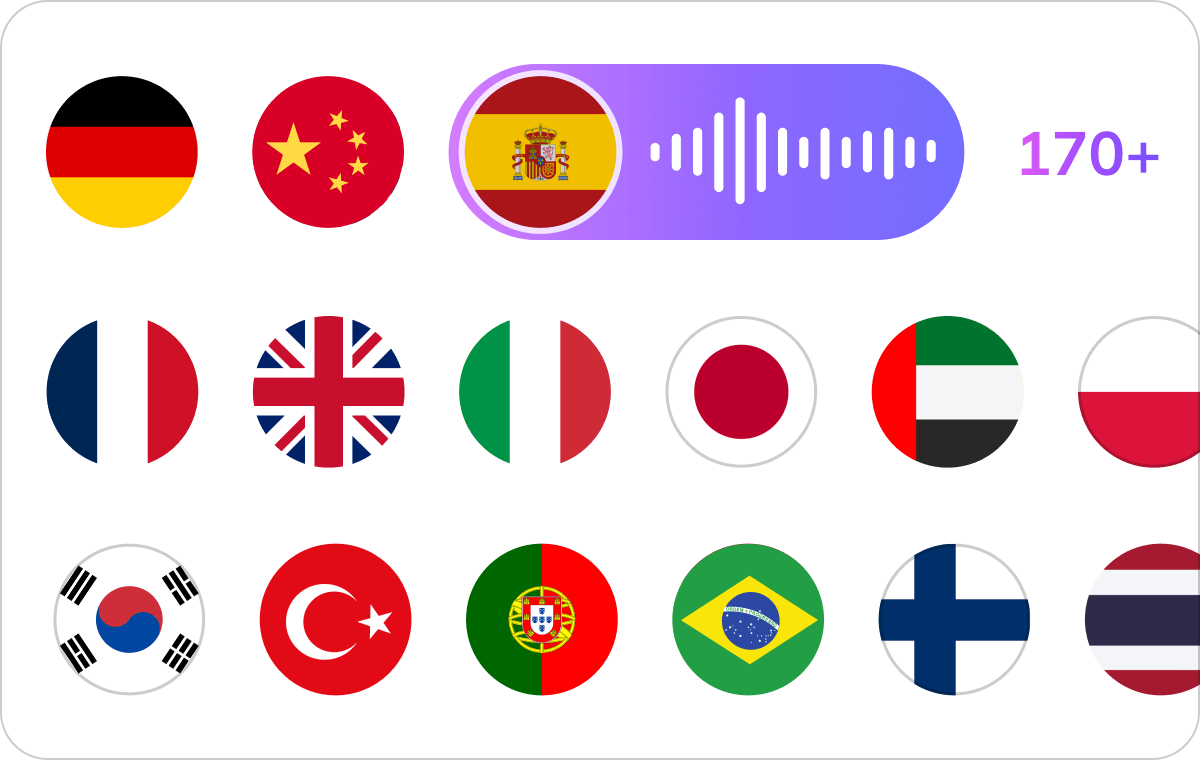
Translate videos into more than 170 languages and regional accents, including English, Spanish, Arabic, Chinese, French, and many more. VMEG lets you choose how the translated content is delivered: as a fully dubbed video, translated subtitles, or a separate audio track.Built-in subtitle generation helps make videos accessible, while editable transcripts allow you to review and refine the translation before export. This flexibility makes it easier to prepare the same video for different platforms, audiences, and publishing workflows.
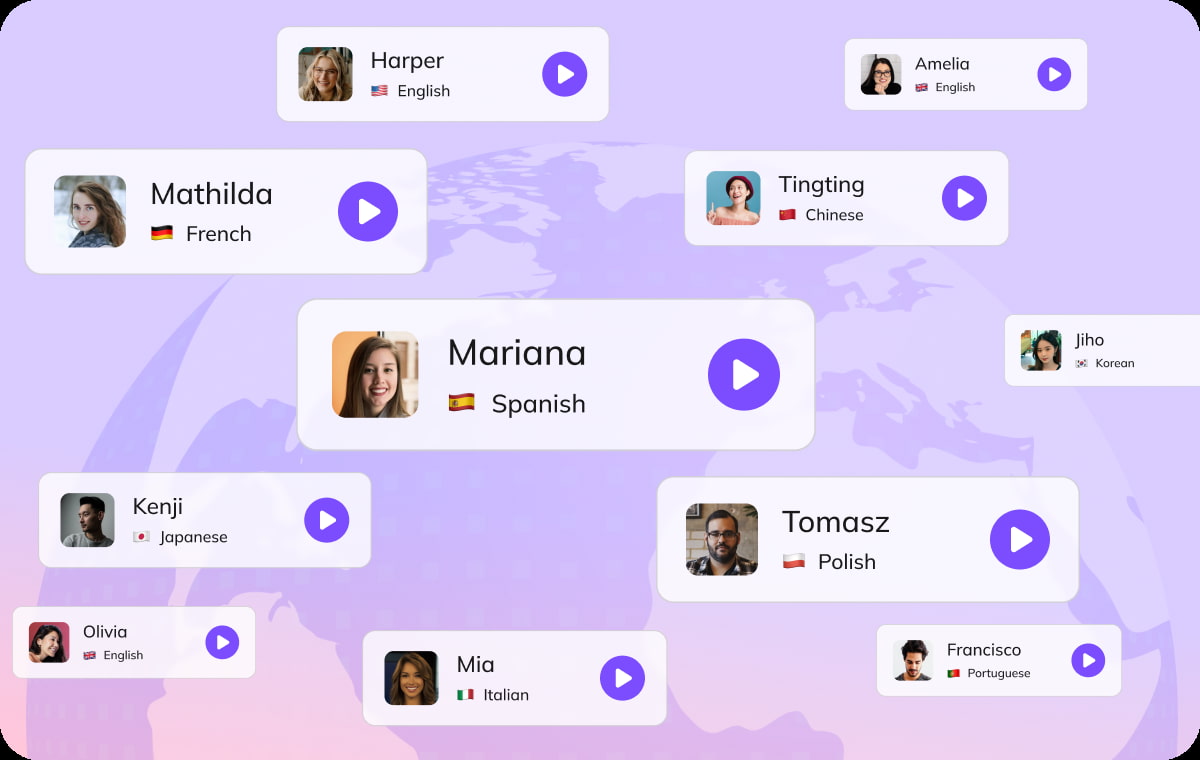
VMEG automatically detects different speakers in interviews, webinars, conferences, and other multi-speaker videos. Assign a suitable voice to each speaker from more than 17,000+ AI voices, or use voice cloning to preserve recognizable speaker characteristics across languages.Background music and non-speech audio can remain separate from the translated dialogue, helping the final video retain the structure of the original recording.
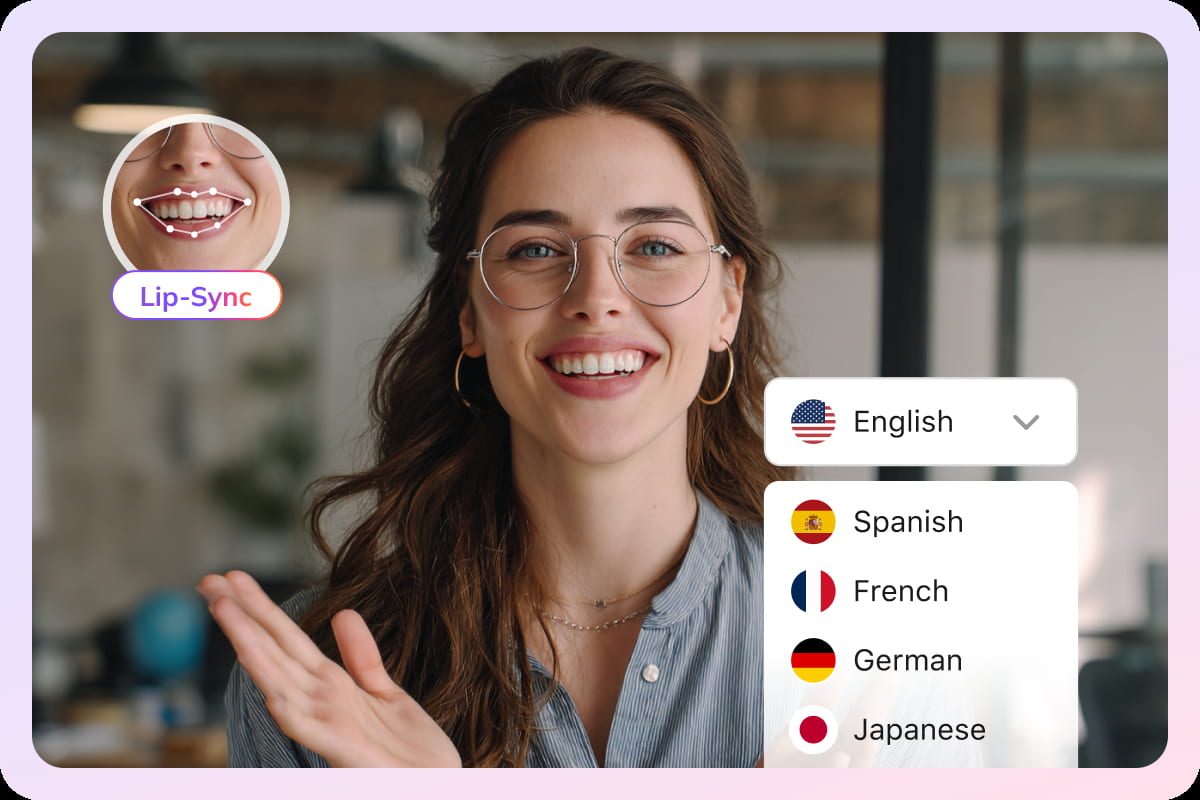
VMEG’s AI video translator adjusts the timing of translated speech to better match the speaker’s mouth movements. This helps translated videos look more natural across different languages while reducing noticeable gaps between the audio and visuals. Enable lip sync when visible speakers need closer alignment in the final video.
Say goodbye to expensive outsourcing, complex editing, and hours of effort. With VMEG, you can create professional-looking videos in less than 1/10 of the time, effort, and cost.
Other Voice-over Platforms
Needed separate tools for transcription, translation, and voiceover.
Hiring voice actors was costly and complicated.
Syncing audio was slow and often off.
Adjusting voice style or speed required multiple apps.
Slow turnaround delayed releases.
Voice quality was inconsistent, hurting brand image.
Client reviews were a pain to manage.
Making videos in other languages was overwhelming.
Project files and updates were scattered and hard to track.
VMEG AI Localization Platform
Do it all in one streamlined workflow.
Instantly get pro-quality voiceovers, no hiring needed.
Easily fine-tune timing for natural, spot-on results.
Control voice style and speed in one place, anytime.
Get your localized videos ready to share, fast.
Consistent, high-quality voiceovers keep your brand strong.
Share and edit projects together with just a click.
Effortlessly create multilingual content for global reach.
Keep everything organized and accessible in one secure spot.
VMEG is built on a privacy-first architecture. Your videos, voice samples, and scripts are encrypted, isolated, and never used to train AI models by default. You stay in full control of your data—always.
VMEG is architected with enterprise security at its core. All customer data is encrypted using AES-256 at rest and TLS 1.3 in transit, ensuring sensitive media assets remain protected throughout the entire processing lifecycle.
Customer data is fully isolated by workspace. VMEG does not access, reuse, or train on your proprietary videos, voice data, or scripts by default. You retain full ownership and intellectual property rights over all inputs and outputs.
Running on secure AWS infrastructure, VMEG delivers high availability, redundancy, and global scalability. VMEG is designed to support enterprise localization workflows while aligning with modern security and compliance standards.

VMEG helps content creators and YouTubers reach a global audience by translating and dubbing their videos in multiple languages. This expands their viewer base, increases engagement, and opens up new opportunities for collaborations and monetization across different regions.

Educators and trainers can use VMEG to make their content accessible to students around the world. Translating and subtitling videos ensures that language barriers don't hinder learning, connecting with a broader, more diverse audience and enhancing the overall learning experience.

For businesses and marketers, VMEG makes it easy to localize video content like ads, product demos, and training materials. By translating your videos, you can reach potential customers in different markets, improve brand recognition, and ultimately drive more sales and conversions.
An AI video translator converts spoken video content into another language. VMEG can generate dubbed videos, translated subtitles, or separate audio tracks.
Sign in to your VMEG account to view the access and usage options currently available. Credits, trial access, and pricing may vary.
Yes. You can review, edit, and export translated subtitles in supported formats such as SRT and VTT.
You can paste a supported public YouTube video link when this option is available. Make sure you have permission to process the content.
Yes. An existing subtitle file can improve translation accuracy and timing. You can edit the translated text before export.
Yes. VMEG can detect multiple speakers and assign a different AI or cloned voice to each person.
VMEG supports common formats including MP4, MOV, WebM, M4V, and MKV. Available export options depend on the selected workflow.
Video length and file-size limits depend on your account and processing settings. Check the uploader for the latest limits.
Video Translator supports subtitles, audio, and dubbed-video outputs. AI Dubbing focuses on creating a polished replacement voice track with voice and timing controls.